Musically correct counts.
Inversions, octaves, registers, and chord-tone doublings are welcome when the chord and voice count are right.
 VoizingFor iPhone, iPad & Mac
Configure your voicing, read the chord, and beat the clock. Voizing turns focused piano practice into a fast, satisfying game across all 12 roots.
TRAIN THE MOMENT BETWEEN SEEING AND PLAYING
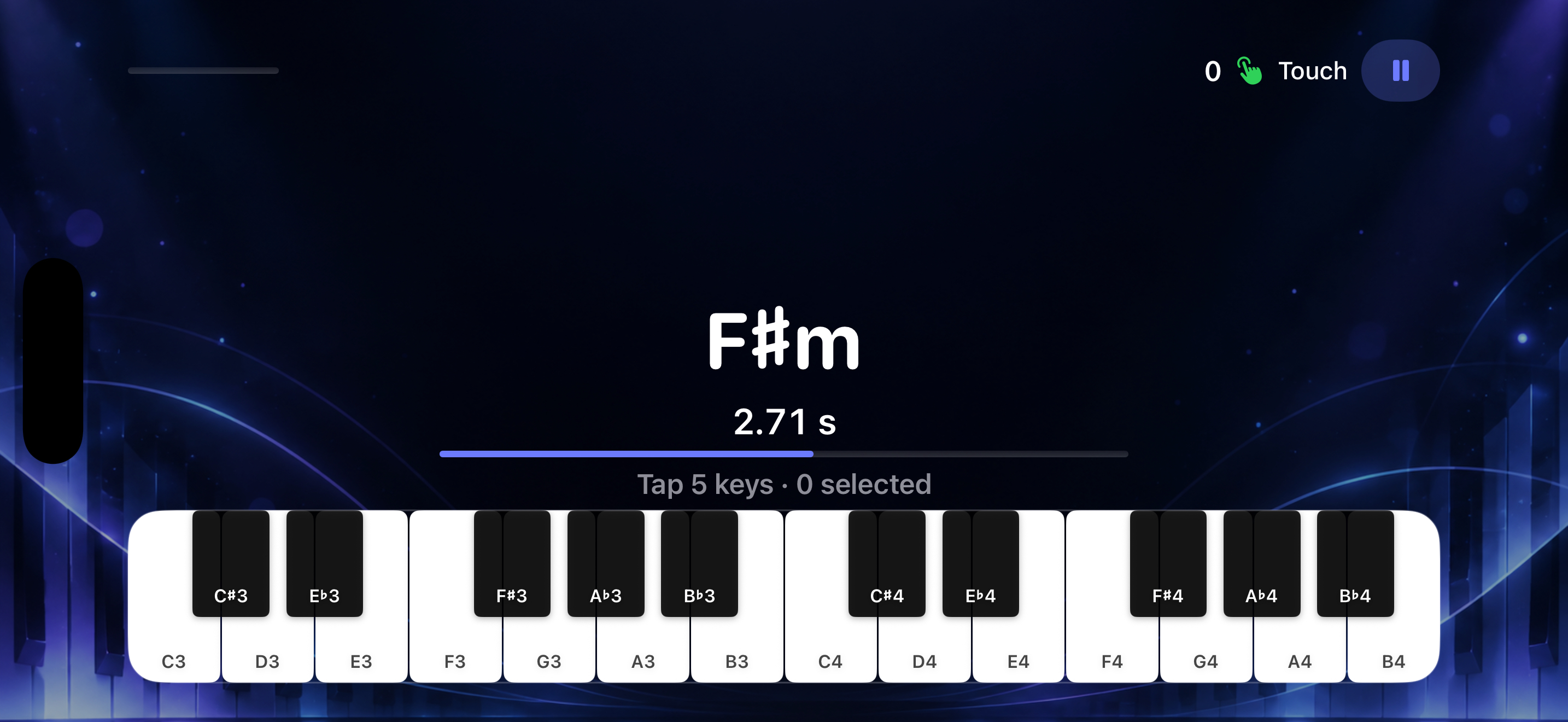
Voizing gives every chord a clear deadline. Correct shapes earn more while there is more time on the clock; wrong notes stay visible so you can correct them without being handed the answer.
ONE FLOW, THREE STATES
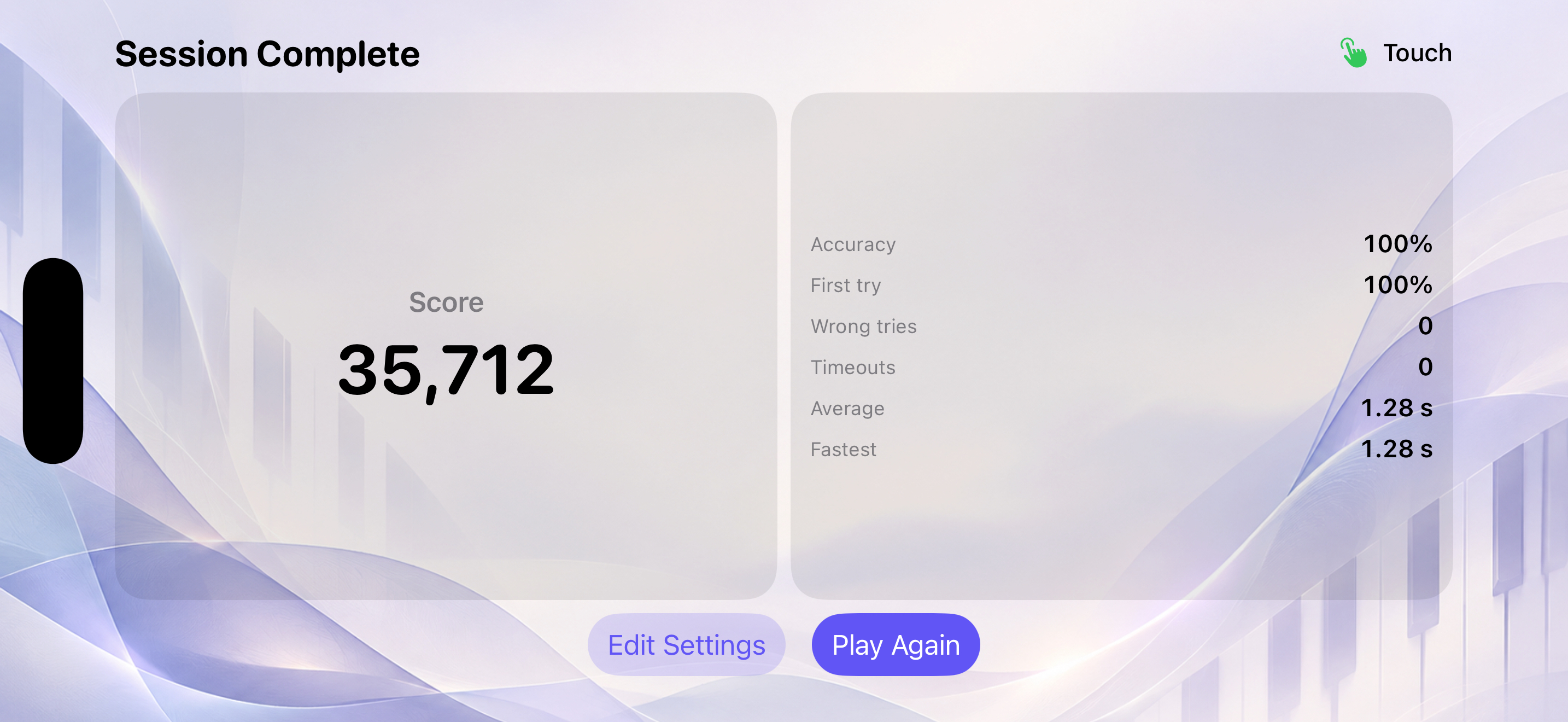
Everything needed for a complete session stays on one focused landscape canvas.

YOUR VOICING PALETTE
Choose one left-hand and one right-hand palette. Voizing understands the structure, finds every compatible style, and moves through all 12 roots for you.
Inversions, octaves, registers, and chord-tone doublings are welcome when the chord and voice count are right.
Your played keys turn red while the same prompt stays active. Try again without having the target revealed.
No account, advertising, or leaderboard. Your notes and scores stay on your device; only basic usage counts are shared.
MADE FOR THE APPLE ECOSYSTEM
Designed natively for iPhone, iPad, and Mac, with a wide practice surface that keeps the prompt, timer, and keyboard in one field of view.
Voizing keeps played notes, chords, and scores local. Limited analytics count practice starts and input mode.
Read the privacy policyVOIZING 0.1
The first App Store release is being prepared for iPhone, iPad, and Mac.